
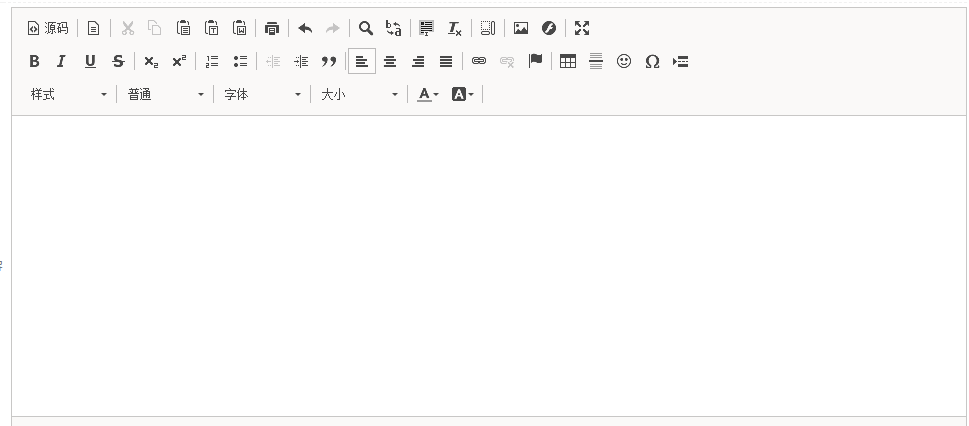
phpcmsV9.6给CKeditor编辑器增加截图和拖拽式上传的操作步骤,具体请看下面的操作步骤。
首先需要把phpcmsV9.6自带的CKeditor编辑器升级到最新版,操作步骤看下面的教程;
然后进行以下代码修改;打开phpcms/libs/classes/form.class.php文件中如下代码进行修改;
if($allowupload) $str .= "filebrowserUploadUrl : 'index.php?m=attachment&c=attachments&a=upload&module=".$module."&catid=".$catid."&dosubmit=1',\r\n";
if($color) {
$str .= "extraPlugins : colorbutton,font,justify,print,tableresize,uploadimage,uploadfile,pastefromword,liststyle"; //修改这里
}
最后修改下\phpcms\libs\classes\attachment.class.php,找到第390行,改成如下代码;
function mkhtml($fn,$fileurl,$message) {
/* $str='<script type="text/javascript">window.parent.CKEDITOR.tools.callFunction('.$fn.', \''.$fileurl.'\', \''.$message.'\');</script>';
exit($str); */
//判断上传方式
if($_GET['responseType']=='json'){
//粘贴上传方式,返回json
$arr = array('fileName'=>'image.png','uploaded'=>1,'url'=>$fileurl);
exit(json_encode($arr));
}else{
//点击上传,返回html
$str='<script type="text/javascript">window.parent.CKEDITOR.tools.callFunction('.$fn.', \''.$fileurl.'\', \''.$message.'\');</script>';
exit($str);
}
}
这样整个改造就完成了,可以拖拽上传和截图粘贴上传,当然从word复制粘贴也OK。
如果内容有帮助,就点个赞吧!